
Title: Exchange Crypto List: 10 Sources for TradingView
Exchange inventories and pair formats change more often than many traders expect. Listings can be added, renamed, split by market type, or removed, and the same asset can appear under different pair conventions across venues. That makes an exchange crypto list a workflow choice rather than a popularity contest. A ready-to-import workflow and a programmatic venue-list workflow solve different jobs.
Popular advice usually treats an exchange crypto list as a simple directory of coins on an exchange. That breaks down the moment the list has to work inside TradingView. A generic asset ticker is not the same thing as an exchange market, and neither one is the same as a TradingView symbol such as BINANCE:BTCUSDT.
A source can cover a huge share of the market and still leave the hard work undone. Traders still need pair filtering, quote selection, exchange-prefix mapping, symbol cleanup, and a quick validation pass before import. That matters because exchange inventories do not just grow. They can also contract, be renamed, or split across spot and derivatives. Compare the tools by the job each one can support: discovery, venue validation, normalization, automation, or ready-to-import use. The ten resources below cover centralized-exchange watchlists and the formatting checks needed to turn raw market data into a TradingView-compatible watchlist.
Table of Contents
- 1. TradingList
- 2. CoinMarketCap
- 3. CoinGecko
- 4. CoinPaprika
- 5. CoinCodex
- 6. CryptoCompare CCData
- 7. CCXT
- 8. CoinAPI
- 9. Kaiko
- 10. Tardis.dev
- Top 10 Crypto Exchange Lists Compared
- Choose the Source That Matches the Import Job
1. TradingList

The hard part of an exchange crypto list usually starts after discovery. Traders still need symbols in TradingView format, the correct exchange prefix, and a file they can import without manual cleanup. TradingList is built for that last-mile job.
Its role in this workflow is clear. TradingList is a ready-to-import source, not a raw market-data source and not an API toolkit. That distinction matters because a venue directory can tell you that a pair exists, while a TradingView watchlist has to express that pair as a usable symbol such as BINANCE:BTCUSDT.
Why it fits the ready-to-import job
TradingView's own import help requires fully qualified symbols in a .txt file with exchange prefixes and comma-separated entries, which is why EXCHANGE:PAIR formatting matters so much for crypto watchlists (TradingView watchlist import format). TradingList starts from that constraint. It organizes crypto watchlists around the output format traders need instead of handing over exchange records that still require normalization.
That changes the amount of work left for the user. If the task is building a Binance, Bybit, OKX, or Gate.io watchlist for charting, scanning, alerts, or class prep, the useful deliverable is a clean symbol universe, not a broad coin database.
Maintenance is the other reason this source is different. Exchange inventories change, symbols get renamed, and spot and derivatives can create naming collisions. A static export from a generic directory can go stale quickly. TradingList is centered on keeping watchlists organized for TradingView use, which makes it more practical for recurring imports than one-off research exports.
Where it helps, and where it does not
TradingList covers several jobs inside the ready-to-import category:
Standard watchlists: Maintained lists by centralized exchange, market cap, category, or ecosystem.
Custom crypto watchlists: Narrower lists built from supported market-cap, category, or ecosystem filters.
ScreenerList: A filtered symbol-selection workflow when users want to reduce a larger universe before export.
DeltaList: A comparison tool for checking differences between a baseline watchlist and exchange or market variants.
FusionList: A merge step for combining multiple supported watchlists into one import file.
Those are practical workflow tools, not substitutes for market-discovery platforms or exchange APIs. Users who need first-pass discovery, listing announcements, or programmatic exchange metadata will still need another source upstream. Users who already know the venue and need an importable TradingView list with less formatting risk will find this category of tool more useful.
It also suits non-developers better than API-first options. The trade-off is control. An API or exchange library gives deeper access for custom pipelines, but it also shifts prefix mapping, quote filtering, deduplication, and file formatting onto the user. TradingList reduces that setup work.
Pricing is straightforward from the product itself: individual watchlists start at $2.99, Lite is $6 per month or $60 per year, Plus is $12 per month or $120 per year, and Premium is $18 per month or $180 per year.
2. CoinMarketCap
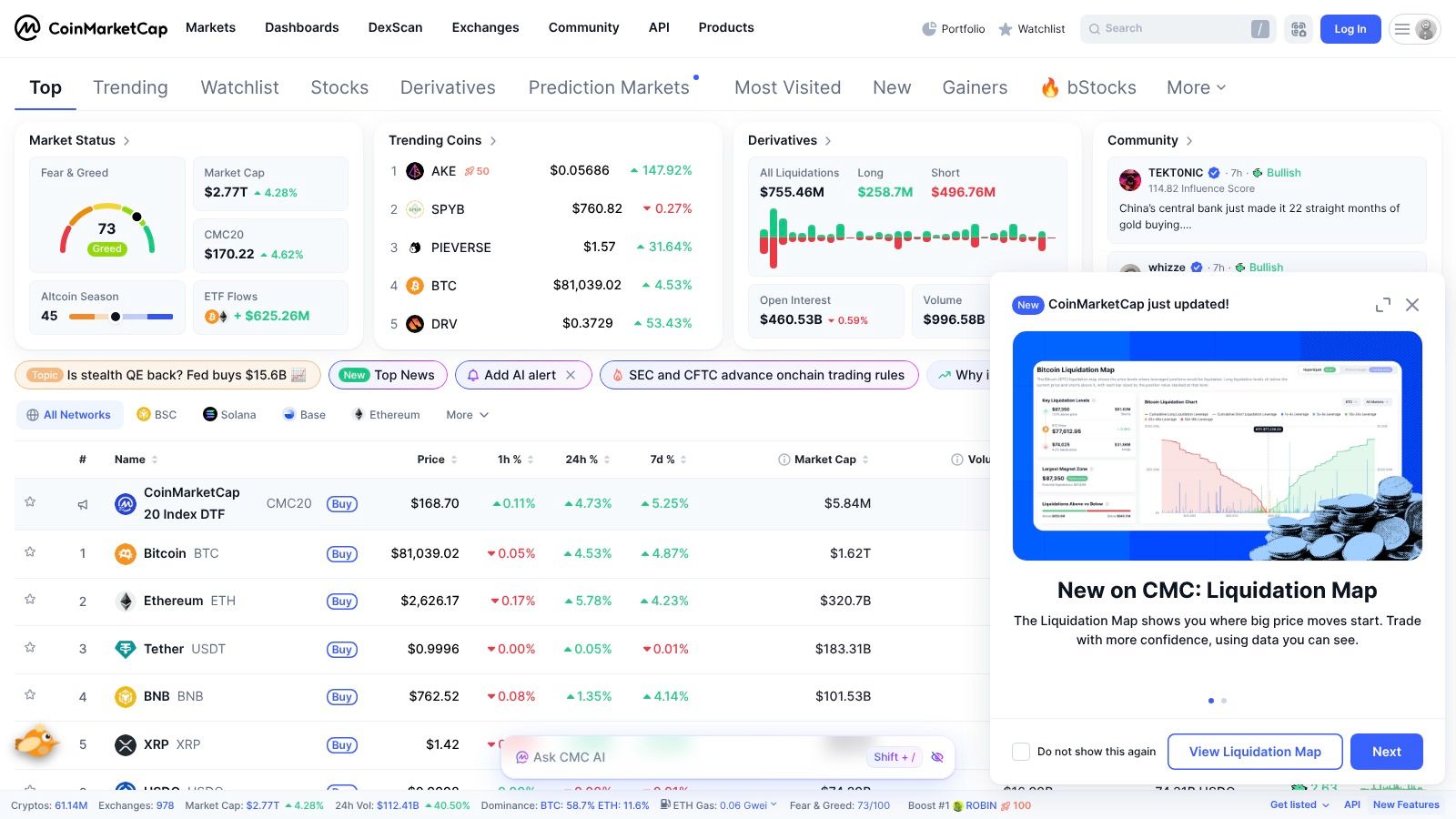
CoinMarketCap is useful earlier in the workflow than many traders expect. It is not the place to finish a TradingView import file. It is the place to decide whether an exchange-specific list is even worth building.
For an exchange crypto list, CoinMarketCap does two jobs well. First, it supports discovery through exchange pages, pair listings, rankings, and asset profiles. Second, it helps with venue validation by showing whether a market is active enough to deserve a slot in a watchlist. That matters because a raw exchange listing count can be misleading if pairs are illiquid, duplicated across quote assets, or inconsistent with the symbols available on TradingView.
Where CoinMarketCap fits in the workflow
CoinMarketCap is a practical choice for users working without a full market-data pipeline. A trader can inspect an exchange, review listed markets, and identify which assets belong in the candidate set before any normalization work starts. The platform also publishes exchange research and market reports, including a monthly exchange summary that is useful as background context when reviewing venue activity (CoinMarketCap monthly exchange report).
The trade-off is format readiness.
CoinMarketCap gives market and listing data, not a TradingView-ready watchlist. Users still need to convert assets or pairs into the exact symbol strings TradingView accepts, apply the correct exchange prefix, remove unsupported markets, and handle quote-asset variants such as USDT versus USD or perpetuals versus spot. That cleanup step is manageable for smaller lists, but it becomes tedious once the target exchange has many markets.
A useful way to evaluate CoinMarketCap in this article's workflow is by job:
Discovery: Useful for finding assets associated with a venue and scanning market breadth.
Venue validation: Useful for checking whether an exchange is active enough to justify ongoing watchlist maintenance.
Normalization: Ticker cleanup and TradingView symbol mapping still fall to the user.
Automation: Requires the user to add a separate symbol-mapping layer.
Ready-to-import use: The output still needs formatting and verification.
CoinMarketCap works best for users who separate research from import preparation. If the job is choosing the venue and building a candidate universe, it is efficient. If the job is exporting an import-ready TradingView list with low formatting risk, it is still an upstream source. The platform itself is available at CoinMarketCap.
3. CoinGecko
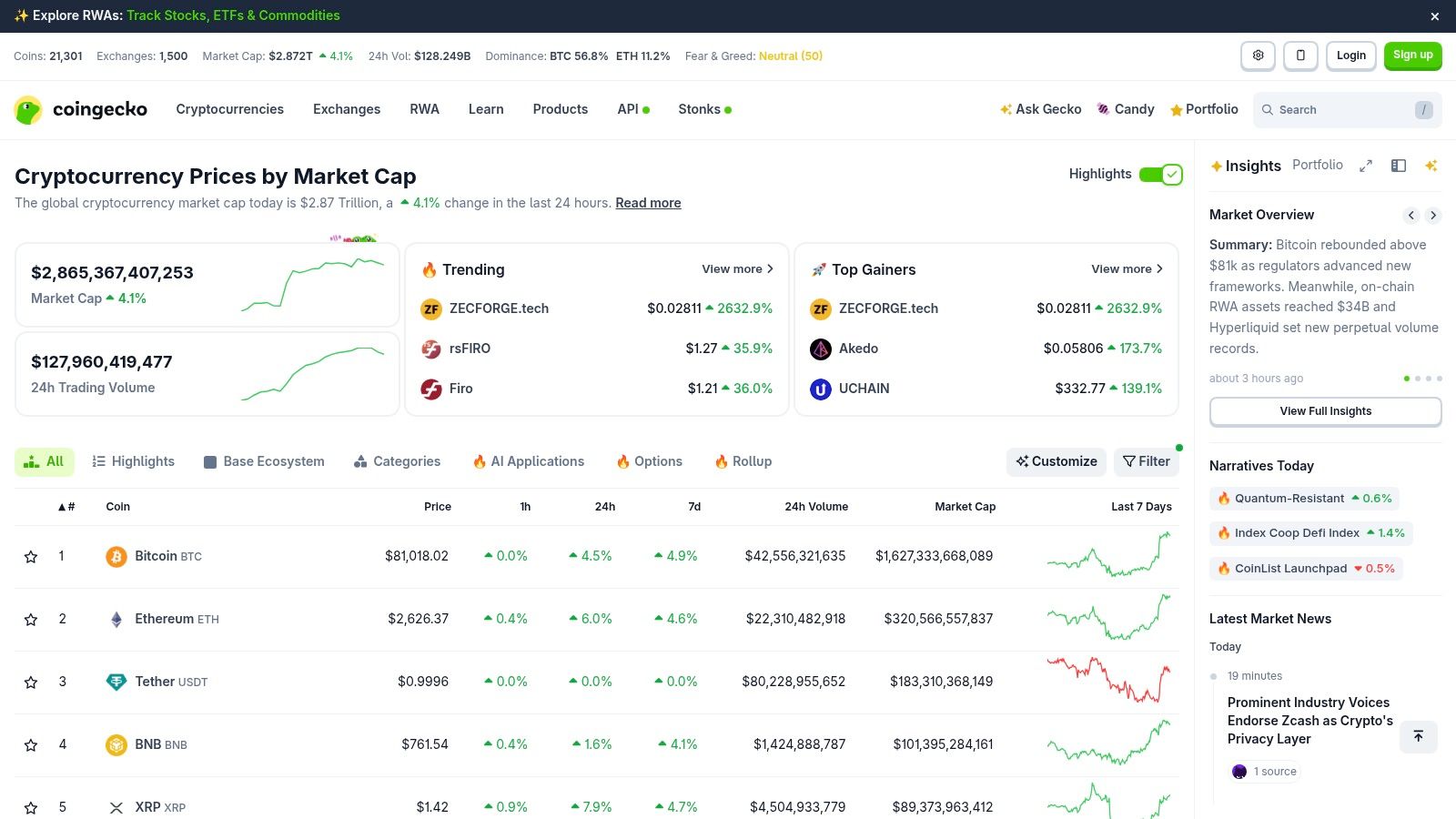
CoinGecko is useful earlier in the workflow than many traders expect. It is better for discovery and segmentation than for the final import file.
Its strength is context. If the job is to find assets connected to a target exchange, then narrow that universe by category or ecosystem, CoinGecko saves time. That matters in exchange-specific TradingView work because the first draft of a watchlist is often too broad. The practical task is not finding more symbols. It is cutting the list down to symbols worth validating on the venue you chart.
That also defines the trade-off. CoinGecko gives market and classification data, not a TradingView-ready watchlist. Pair names still need normalization, exchange prefixes still need checking, and some assets that look valid at the coin level will fail at the market level because the exact spot or perpetual pair is not available in TradingView under the expected venue code.
In practice, CoinGecko performs a few useful jobs in a TradingView workflow:
Discovery: Useful for finding candidate assets around a venue, sector, or ecosystem.
Venue validation: Helpful for checking whether an exchange has relevant asset coverage, but not enough to confirm TradingView symbol support.
Normalization: Base and quote formatting still need manual or scripted cleanup.
Automation: More useful when paired with your own symbol-mapping layer.
Ready-to-import use: The output remains a draft until each symbol is matched to TradingView syntax.
For users building filtered lists before import, a practical next step is a TradingView screener watchlist workflow cleanup stage.
CoinGecko works best as a discovery and segmentation source. It is less effective as the final handoff into TradingView. The platform itself is available at CoinGecko.
4. CoinPaprika
CoinPaprika is a builder's tool. It doesn't try to be a ready-made TradingView watchlist source. It gives developers and technically inclined researchers a structured way to work with exchange and market data.
That makes it useful for the normalization stage, especially when someone wants to extract per-exchange pairs, keep a standardized asset ID model, and then map the final output into TradingView syntax.
Where it helps and where it doesn't
CoinPaprika is practical because its exchange and market structure is straightforward. For scripting projects, internal dashboards, and repeatable export workflows, that is often more valuable than a crowded interface with many overlapping features.
It still shares the main weakness of most aggregated data tools: the result is only a draft until the target symbols are checked inside TradingView.
Useful for developers: Pull exchange markets and transform them into internal symbol sets.
Useful for researchers: Compare venue coverage without relying on exchange pages one by one.
Not enough by itself: It will not remove the need for pair validation and prefix mapping.
CoinPaprika works well for people who want to own the transformation layer rather than download a maintained watchlist. The platform is available at CoinPaprika.
5. CoinCodex
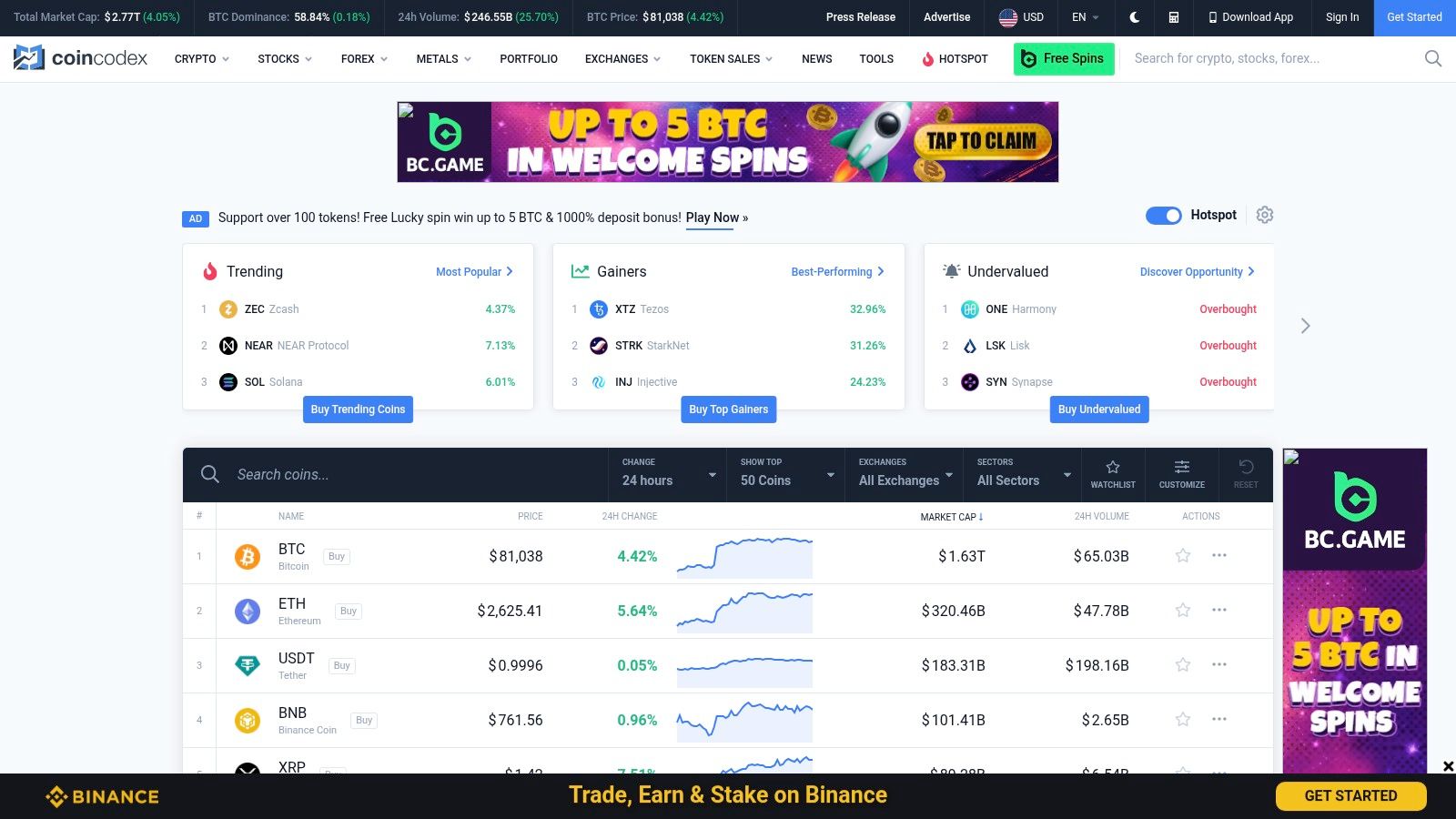
CoinCodex is useful late in the workflow, not at the start. Its value is venue validation. After a broad source has surfaced candidate markets, CoinCodex helps confirm whether the exchange-token relationship you plan to import exists in a form worth mapping.
That distinction matters because an exchange-level listing is not the same as an import-ready TradingView symbol. A coin can be present on a venue while the usable spot pair is missing, quoted differently than expected, or irrelevant to the watchlist you are building.
For that job, CoinCodex works better as a spot check than a system of record. It is useful for verifying a short list of markets before formatting symbols, especially when the question is practical: does this asset trade on this venue in a quote currency I can use?
Its limits are clear. CoinCodex does not solve symbol normalization, TradingView prefix mapping, or CSV preparation. It reduces avoidable mistakes in the validation stage, but the transformation layer still sits with the user or script.
A workable pattern looks like this:
Discover candidate assets and venues from a broader market source.
Use CoinCodex to confirm pair availability on the target exchange.
Normalize the surviving symbols into TradingView format.
Import a small test watchlist before generating the full file.
Used that way, CoinCodex saves time on bad candidates instead of pretending to finish the whole exchange-specific workflow. CoinCodex is available at CoinCodex.
6. CryptoCompare CCData
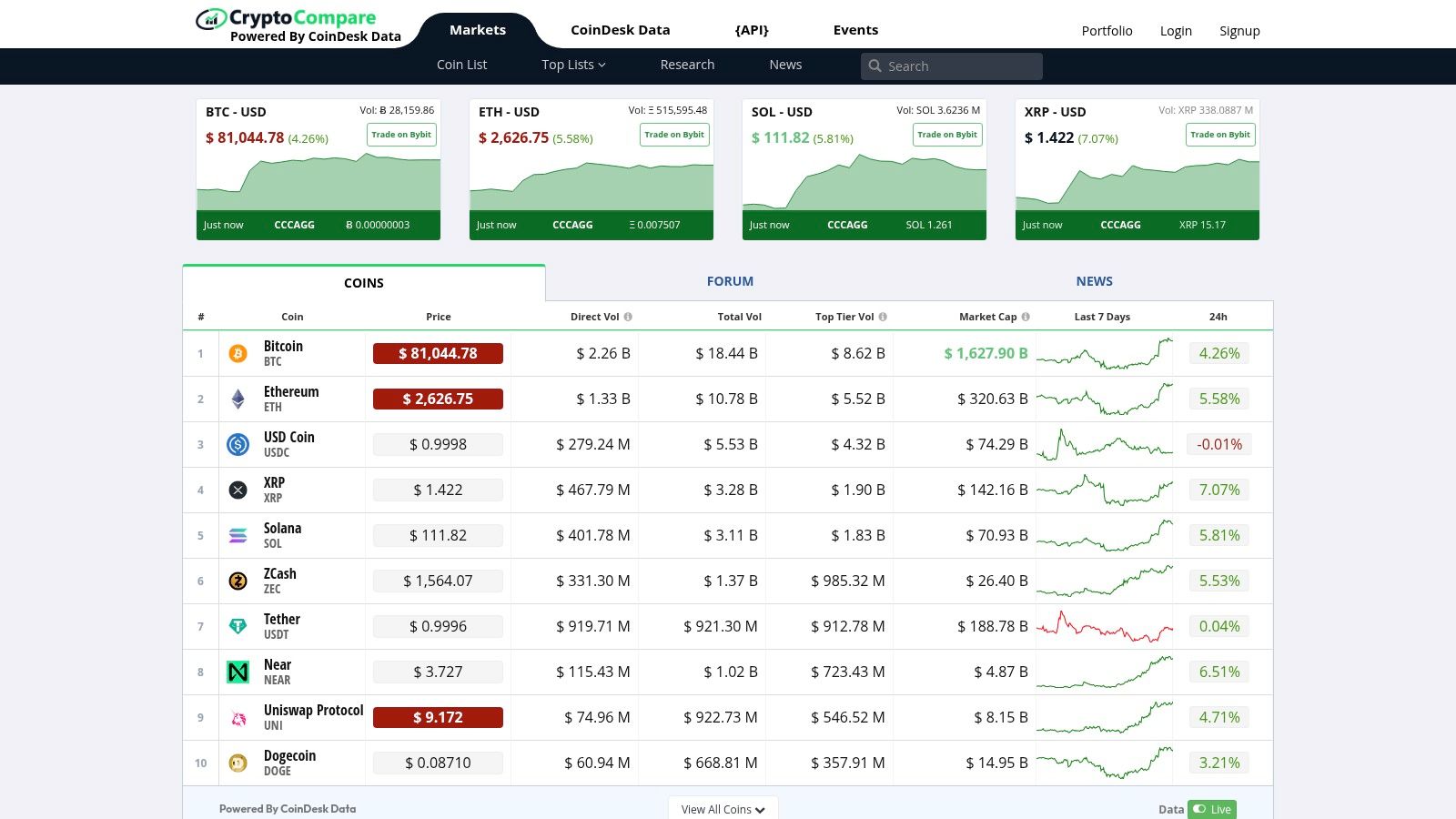
A large exchange list is easy to find. A list that survives normalization and imports into TradingView without symbol mistakes is harder. CCData is more useful in that second job than in raw market discovery.
Its practical role is to reduce naming ambiguity before you build the final file. That matters with reused tickers, venue-specific pair conventions, and instruments that look equivalent in an aggregator but resolve differently once you try to map them into TradingView format. If the workflow already has a target venue, CCData can act as the normalization layer between broad exchange data and an import-ready watchlist.
It is not a one-click watchlist source. It is more useful where the cost of a bad symbol is higher than the cost of extra prep work. That usually means recurring lists, multi-venue monitoring, or any pipeline where the same mapping decisions need to hold up over time.
The trade-off is straightforward. CCData helps with reconciliation, but it does not remove the need to decide how your final symbols should be formatted for TradingView, how to handle spot versus derivatives, or how to maintain changes after delistings and renames. Users still need a mapping policy.
A workable use case looks different from the surrounding tools in this list:
Start with a broader source if the goal is discovery. Bring the candidate pairs into CCData once the exchange is chosen and the problem becomes symbol cleanup. Then export or script the normalized set into the exact prefix and pair structure your TradingView import expects, and test a small batch before loading the full watchlist.
That makes CCData a fit for normalization and workflow discipline, not convenience. CryptoCompare CCData is available at CryptoCompare CCData.
7. CCXT
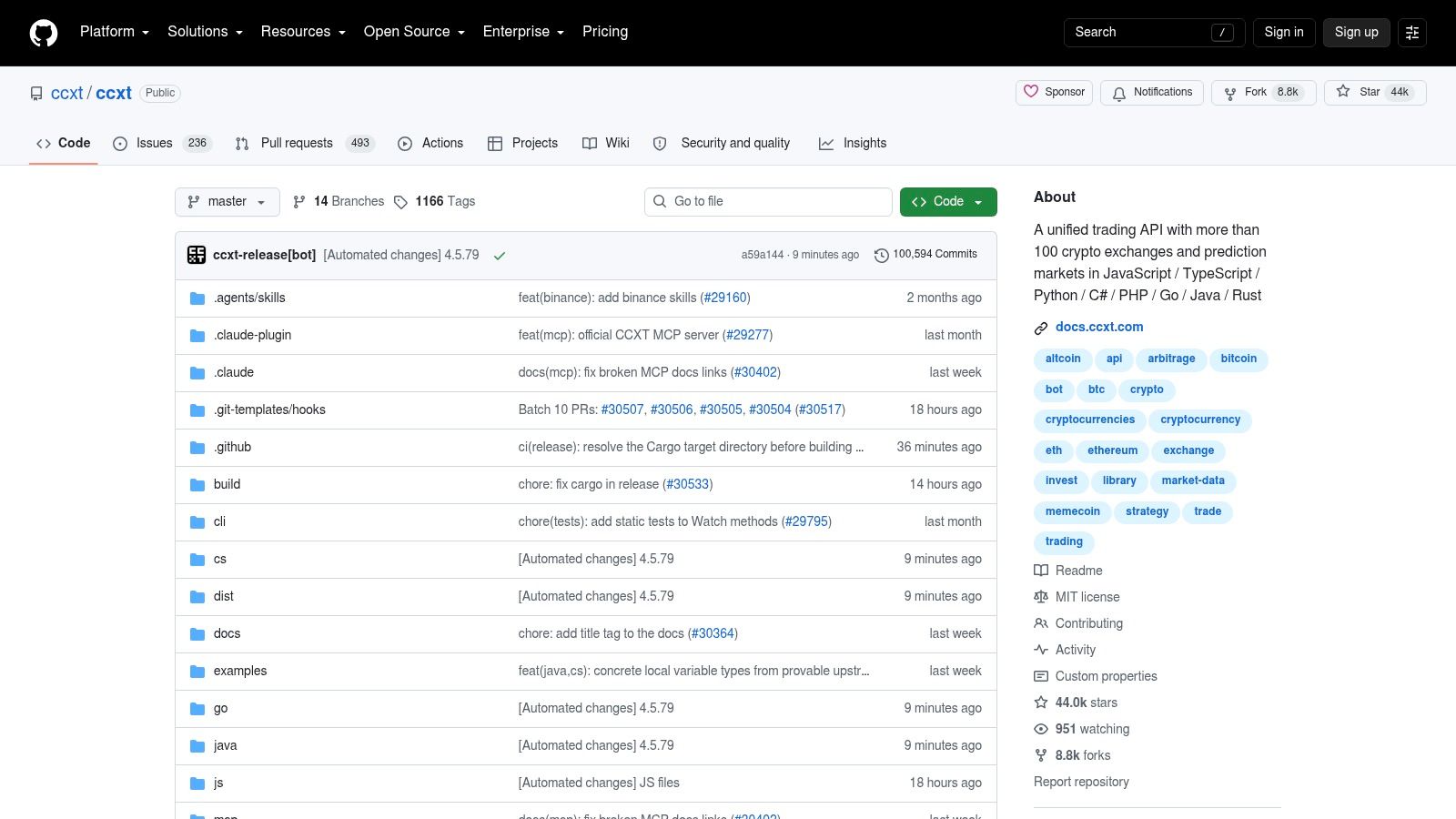
CCXT is the source I would use when the job starts with a specific venue, not with market discovery. It pulls instrument metadata from exchange APIs, so it is closer to the exchange's own naming, status flags, and market structure than broad listing sites.
That makes it useful for venue validation and automation.
A practical example is building a Binance spot watchlist that includes only active USDT pairs, or separating perpetuals from spot on Bybit before any TradingView formatting happens. CCXT handles that extraction step well because you can filter against exchange-native fields instead of guessing from an aggregator's standardized view. For an exchange-specific workflow, that usually reduces false matches early.
The catch is formatting. CCXT gives you raw symbols and market objects, not an import-ready TradingView watchlist. Exchange ids, separators, contract suffixes, and quote conventions still need a mapping rule, and that rule has to be tested against the exact symbols TradingView accepts for the target venue.
This tends to be the right fit for users who already script in Python, JavaScript, TypeScript, or PHP and want a repeatable pipeline instead of manual cleanup. Maintenance is part of the deal. Exchanges change market metadata, pause instruments, rename contracts, and add variants that look similar until the import fails.
A workable process is straightforward:
Use CCXT to pull markets from the chosen exchange. Filter for the market type and quote asset you want. Normalize the output into your own symbol policy. Convert that cleaned set into TradingView EXCHANGE:PAIR format, then test a small sample before importing the full list.
Used that way, CCXT performs two jobs well: venue validation and automation. It is less useful for broad discovery, and it does not remove the final symbol-mapping work.
CCXT is available at CCXT on GitHub.
8. CoinAPI

CoinAPI earns its place earlier in the workflow than many traders expect. It is better at instrument discovery and normalization than at producing a TradingView watchlist you can paste in one step.
That distinction matters. CoinAPI can help define what exists on a venue and how instruments are identified across venues, but TradingView imports still depend on the exact exchange prefix and symbol format that TradingView accepts.
For exchange-specific work, CoinAPI is most useful when the job is normalization. If the workflow starts with a broad market universe, then narrows to one exchange and one market type, CoinAPI gives you a cleaner base than ad hoc scraping or manual copy-paste. It also fits teams that want one reference layer feeding several outputs, such as research datasets, validation scripts, and watchlist generation.
The trade-off is maintenance at the final mile. CoinAPI does not remove the need to map symbols into EXCHANGE:PAIR format, and that mapping can break when venues rename instruments, split spot from derivatives under different conventions, or list multiple contracts that look similar in raw data. A small validation pass is still necessary before import.
If you are sorting out pair enumeration before that formatting step, this guide on sources for a crypto pairs list helps frame the upstream options.
Used well, CoinAPI performs three jobs in a TradingView workflow: discovery, venue validation, and normalization. The repeatable process is simple. Pull the exchange instrument set, filter to the exact market class you need, convert symbols into your own naming policy, map that output to TradingView syntax, then test a sample inside the target venue before importing the full list.
CoinAPI is available at CoinAPI.
9. Kaiko
Kaiko is rarely the fastest way to build a TradingView watchlist. It becomes useful when the harder job is deciding which instruments belong in the exchange universe before any import formatting starts.
In an exchange-specific TradingView workflow, Kaiko fits the venue validation and normalization stages. It gives teams a controlled reference layer for spot and derivatives metadata, which matters when the same asset appears under different exchange naming schemes, contract types, or listing histories. That is a different job from generating an import-ready EXCHANGE:PAIR list.
The practical value is consistency. If a desk, research team, or data engineering group needs one approved instrument universe feeding several downstream outputs, Kaiko can help define that source set before symbols are mapped into TradingView syntax. That reduces disagreements about whether two similar tickers represent the same market, different contract months, or separate spot and perpetual listings.
Best used as a control layer
Kaiko earns its place when raw exchange data is too noisy to trust directly. A simple symbol export may be enough for a solo trader building a quick watchlist. It is less reliable for teams that need stable identifiers, metadata continuity, and a documented way to handle renames, delistings, and instrument lineage over time.
The trade-off is obvious. Kaiko does not remove the final formatting work needed for TradingView import, and it may add process overhead if the goal is only to build a short watchlist for one venue. Users still need to filter by exchange, isolate the exact market class, convert the approved instrument set into TradingView-compatible symbols, and test a sample before importing at scale.
Kaiko performs two jobs well in this workflow: venue validation and normalization. It is weaker for ready-to-import use. A repeatable process looks like this. Start with the target exchange and market type, use Kaiko to confirm the approved instrument universe and metadata, export that set into your own naming rules, map it to TradingView format, then run a small import test to catch symbol mismatches before loading the full list.
Kaiko is available at Kaiko.
10. Tardis.dev
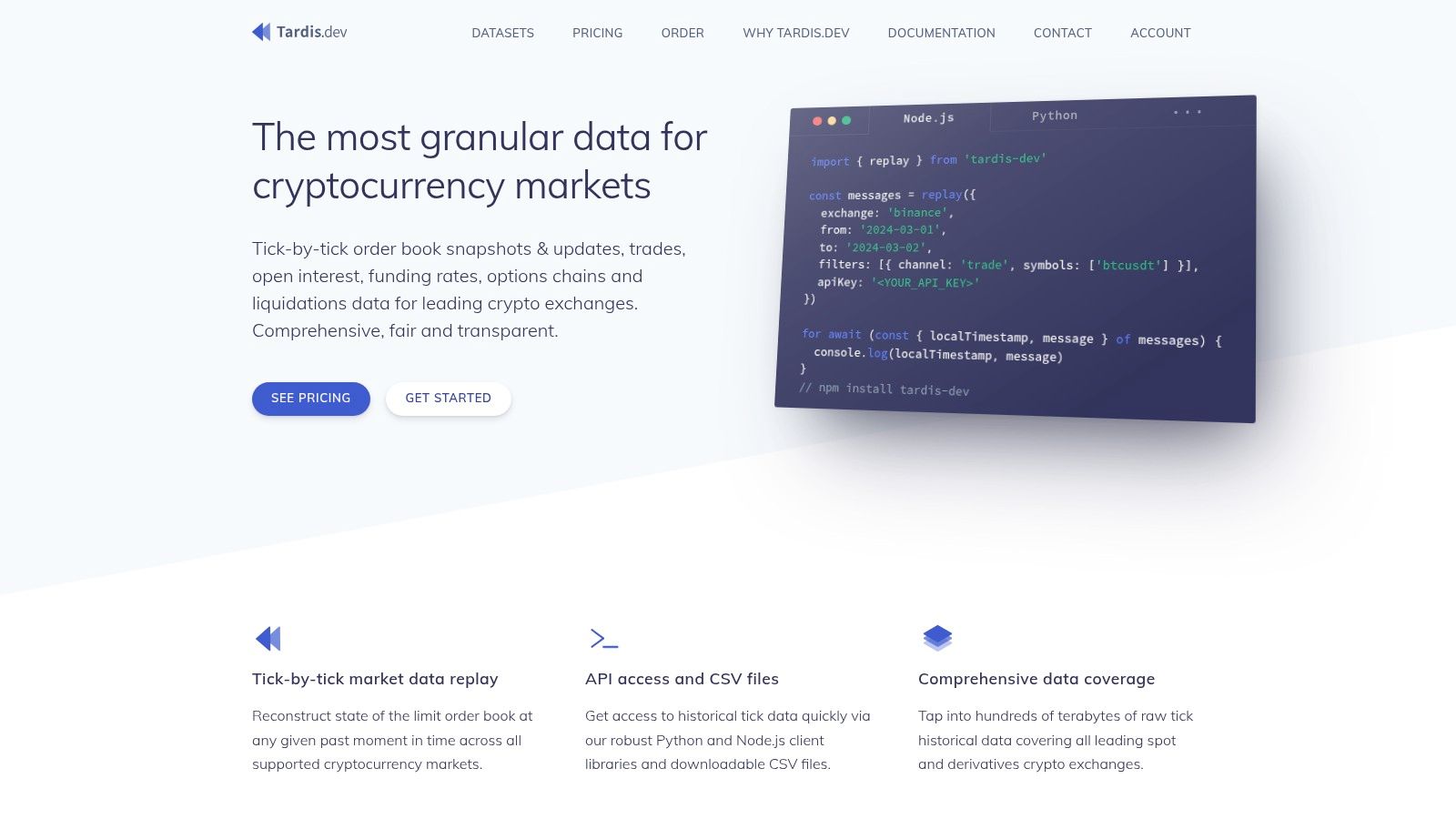
Tardis.dev is not a watchlist source first. It is an exchange-native market data service that happens to be useful when an exchange crypto list needs to be checked against what traded on the venue.
That makes it a strong fit for one specific job in a TradingView workflow: venue validation. If a symbol appears in a directory or exchange announcement, Tardis.dev can help confirm whether that market showed up in the exchange's own historical feed, how it was named, and whether the listing persisted long enough to matter for your use case.
The distinction matters. Raw exchange data is not an import-ready TradingView watchlist. Tardis.dev gives you market history and instrument coverage, but you still need to choose the target venue, isolate the right market type, normalize symbol names, convert them into TradingView syntax, and test a sample import before loading a full list.
It is usually excessive for discovery. Coin listing sites and exchange directories are faster if the only goal is to find candidate markets. Tardis.dev becomes useful after that step, when the cost of a wrong symbol set is higher than the cost of extra validation.
A practical workflow looks like this. Start with a candidate list from a discovery source. Use Tardis.dev to verify that each market existed on the exchange and matches the instrument class you want, such as spot, perpetual, or dated futures. Export that approved set into your own naming rules, map it to TradingView format, then run a small import test to catch formatting or symbol mismatches.
The trade-off is straightforward. Tardis.dev improves confidence in venue-specific coverage over time, but it adds process and does not remove the final formatting work.
Tardis.dev is available at Tardis.dev.
Top 10 Crypto Exchange Lists Compared
| Resource | Best workflow role | What it helps verify or prepare | What still needs checking in TradingView |
|---|---|---|---|
| TradingList | Ready-to-import use | Maintained watchlists organized by supported centralized exchange, market cap, category, or ecosystem, plus Standard, Custom, ScreenerList, DeltaList, and FusionList workflows | Confirm a small sample import, venue prefix, and whether any delivered logical list over 1,000 symbols should be split for use |
| CoinMarketCap (CMC) | Discovery and venue review | Candidate exchange markets, asset pages, and a first-pass venue shortlist | Exact TradingView symbol syntax, supported market type, quote selection, and prefix mapping |
| CoinGecko | Discovery and segmentation | Candidate assets by exchange context, category, or ecosystem before narrowing the universe | Whether the exact venue pair exists in TradingView and how the symbol should be formatted |
| CoinPaprika | Normalization prep | Exchange markets that can be transformed into an internal symbol set | Final TradingView prefix mapping, pair cleanup, and import testing |
| CoinCodex | Venue validation | Whether a short list of candidate assets appears to trade on the target venue | Exact pair naming, quote asset choice, and TradingView symbol support |
| CryptoCompare (CCData) | Normalization | Reconciliation of ambiguous tickers and market naming before export | Final venue code, spot versus derivatives handling, and import acceptance |
| CCXT | Venue validation and automation | Direct exchange market extraction for a chosen venue and market class | Conversion from exchange-native symbols into TradingView EXCHANGE:PAIR format |
| CoinAPI | Discovery, validation, and normalization | A cleaner instrument set for downstream mapping and list generation | Exact TradingView-compatible symbol strings and sample import results |
| Kaiko | Control layer for validation and normalization | An approved instrument universe when teams need consistency before export | TradingView venue mapping, market-type filtering, and import verification |
| Tardis.dev | Venue validation | Whether a market existed on the target exchange in the instrument class you care about | Final symbol formatting, venue prefix, and test import outcome |
Choose the Source That Matches the Import Job
The right source depends on the exact job, not on brand familiarity. For a ready-to-import TradingView list, TradingList is the cleanest fit because it starts with the required symbol format and organizes supported watchlists by centralized exchange, market cap, category, and ecosystem. For no-code market research, CoinMarketCap and CoinGecko are usually practical starting points because they help users discover venues, categories, and market structure before any export work begins.
For API-based list generation, CoinPaprika, CoinAPI, and CCData sit in the middle ground. They provide structured market data and useful metadata, but they still expect the user to own the normalization step. For direct exchange extraction, CCXT is a practical option because it queries venue APIs directly and gives the user control over which markets get included. For governed reference-data validation, Kaiko and, in a more exchange-native way, Tardis.dev are better suited to controlled workflows than quick imports.
A repeatable import process matters more than the source itself. The process is straightforward when each step is explicit:
Choose the venue and quote: Decide whether the list is for Binance USDT pairs, Bybit perps, or another clearly defined market set.
Separate ticker from symbol:
BTCis an asset ticker.BINANCE:BTCUSDTis a TradingView symbol.Normalize prefixes and separators: Make sure exchange codes and pair strings match the target format used by TradingView.
Verify a sample first: Check several symbols manually inside TradingView before importing the whole file.
Check list size limits: TradingView watchlists can run into size constraints, so large universes may need splitting.
Record provenance: Save the source and refresh date with the export, then re-check the universe before reuse.
TradingList fits naturally at several points in this process. Standard watchlists work when the user wants a maintained venue or market-structure list without rebuilding it manually. Custom crypto watchlists fit when the supported market-cap, category, or ecosystem filters need to be narrowed into a smaller research universe. ScreenerList fits when a filtered market view needs to become an exportable symbol set. DeltaList helps compare a reference watchlist against exchange or market variants, and FusionList helps combine supported lists into a single output for charting and scanning. If a delivered logical list runs above 1,000 symbols, splitting the output can make import handling easier.
A final point is easy to miss. A watchlist is not advice. It is a research and charting universe. The value comes from cleaner symbol handling, better organization, and fewer formatting errors inside TradingView.
TradingList provides maintained, TradingView-compatible crypto watchlists for centralized exchanges, market-cap tiers, supported categories, and ecosystems, along with tools to compare, combine, and export those symbol universes cleanly. For users who want an exchange crypto list that does not require manual prefix cleanup before import, TradingList is a practical place to start.