You've opened TradingView's Crypto Coins Screener, added a few technical filters, and still have a table full of symbols that don't belong in the same review process. Some trade on different venues, some use the same ticker for different pairs, and others have formatting that won't transfer cleanly into a watchlist. A useful TradingView screener setup starts earlier than the first filter. It starts by defining exactly which crypto symbols deserve to be screened.
The practical workflow is simple: choose a universe, select the appropriate screener and source, apply a small group of filters, review charts manually, save the configuration, and move the resulting symbols into a maintained TradingView-compatible watchlist. That sequence keeps the screener from becoming a one-off search and gives every later decision a stable reference point.
Table of Contents
- Why TradingView Screener Setup Starts With Your Universe
- How to Open and Configure the Crypto Screener
- Choosing Filters That Actually Narrow Results
- Saving Views and Moving Results Into TradingView Watchlists
- Streamlining Workflows With Newer Screening Options
- A Repeatable TradingView Screener Setup You Can Reuse
Why TradingView Screener Setup Starts With Your Universe
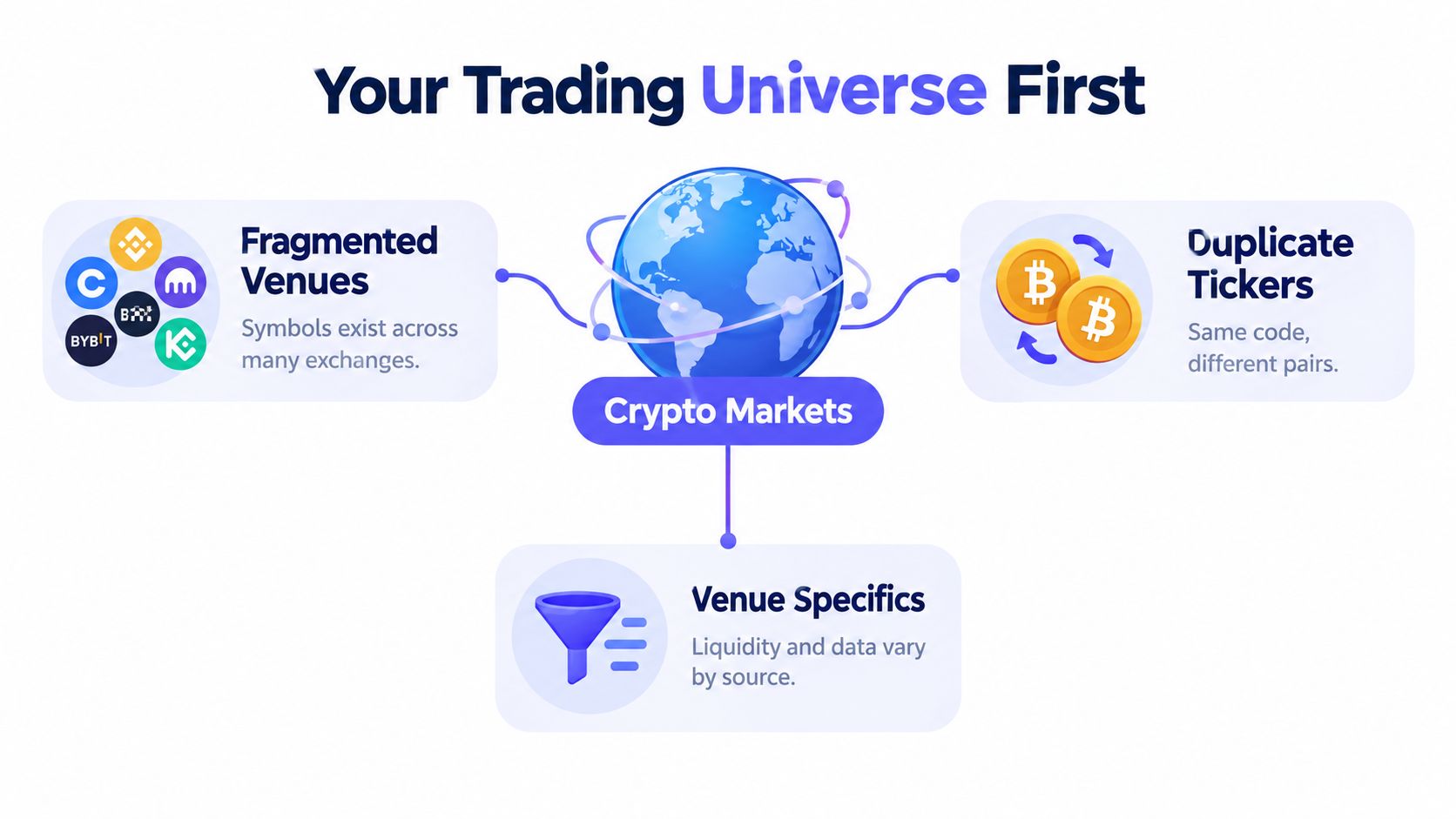
The common assumption is that screener setup means opening the filter menu first. In crypto, that order creates avoidable noise. A generic ticker such as BTC or ETH doesn't identify a complete TradingView symbol by itself. A venue-specific format such as EXCHANGE:PAIR identifies both the market source and the traded pair, and those details affect the data being screened.
Crypto markets are fragmented across centralized exchanges and other market sources. The same asset can appear in several venues, with different quote currencies, trading activity, candles, and available fields. A broad screen can therefore return multiple versions of what appears to be one coin, while a filter based on volume or momentum may describe one venue rather than the whole market.
Define the observation goal first
Before selecting a filter, decide what the screen is supposed to observe.
Venue review: A centralized-exchange universe is useful when the review concerns instruments available on one supported venue and quote structure.
Market-cap comparison: A market-cap universe helps separate larger assets from smaller assets before technical conditions are applied.
Category research: A supported category or ecosystem universe keeps the screen focused on a specific research question.
Technical discovery: A curated set of symbols makes momentum, moving-average, or oscillator results easier to compare.
A screen for liquid pairs on one centralized exchange answers a different question from a screen for assets associated with one ecosystem. Combining both without a clear purpose can make the result difficult to interpret.
Practical rule: A filter can narrow a universe, but it can't repair a poorly defined one.
TradingView's screener lineup reflects that asset class and market source are part of the setup, not optional details. The broader the available universe, the more important segmentation becomes.
Treat watchlist hygiene as part of screening
A clean watchlist should contain symbols that serve one repeatable purpose. Mixing spot pairs, derivatives, multiple venues, and unrelated quote currencies in one list can make sorting and chart review misleading. A useful reference for understanding the different sources behind crypto pair lists is this guide to crypto pair list sources.
Re-checking the universe before each review session matters because listings, delistings, and naming changes can affect the symbols that remain useful for review. The screen itself may be technically correct while the underlying list has changed. Universe maintenance is therefore part of the tradingview screener setup, not administrative work that happens afterward.
How to Open and Configure the Crypto Screener
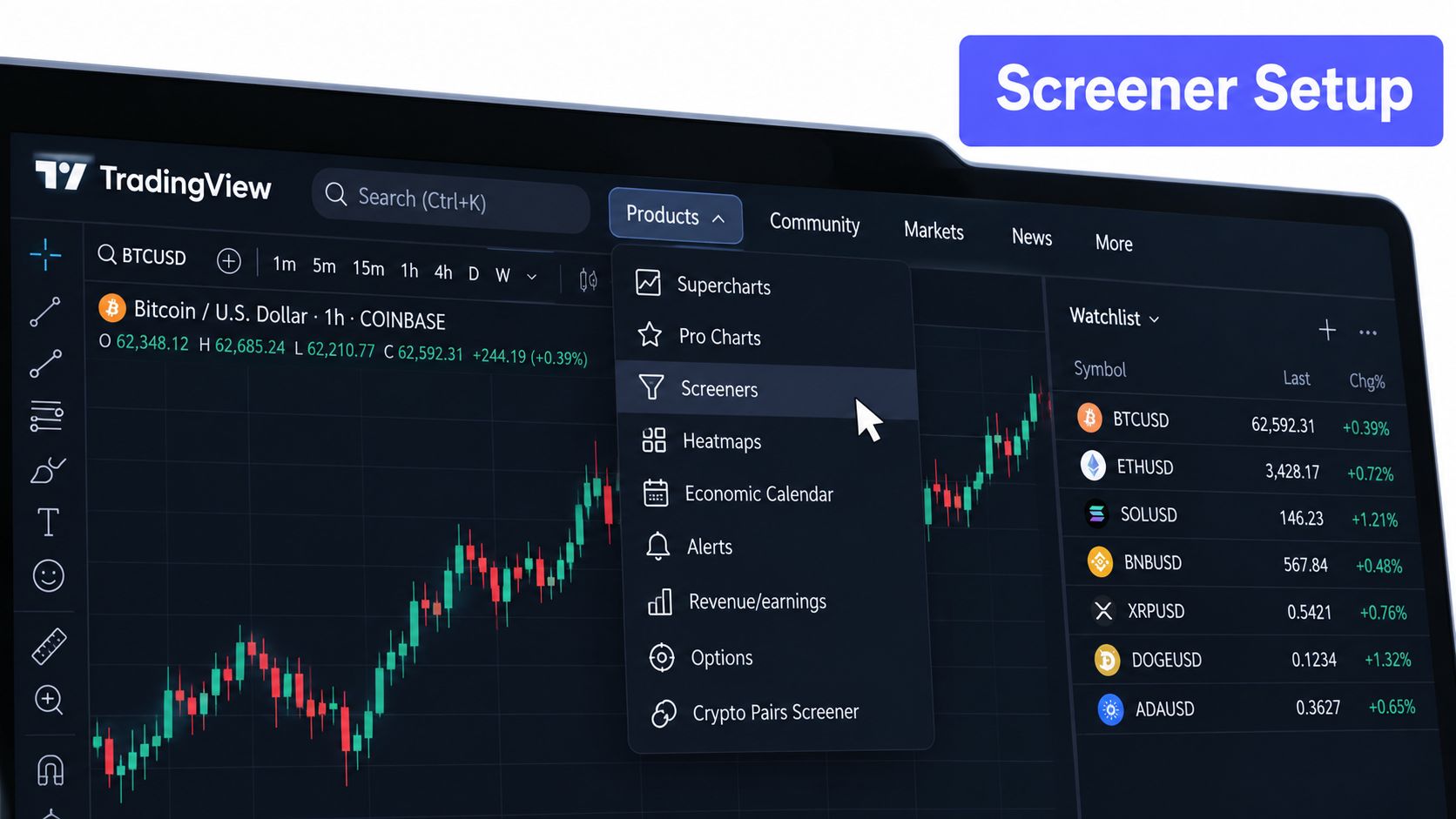
TradingView's current workflow begins at Products → Screeners. From there, the trader selects the relevant market view, such as Crypto Coins or CEX, before applying filters. The choice matters because Crypto Coins is designed around coin-level screening, while CEX provides an exchange-focused view for venue-specific review.
Select the market view before adding rules
A practical opening sequence looks like this:
Open Products and choose Screeners.
Select Crypto Coins for coin-level research or CEX for an exchange-specific workflow.
Set the source or watchlist that defines the symbols to evaluate.
Add the minimum fields needed to inspect the result.
Apply filters only after the source is correct.
Save the view once the layout and criteria are stable.
TradingView documents separate screeners for Stocks, ETFs, Bonds, Crypto Coins, CEX, and DEX in its screeners walkthrough. That separation helps prevent a frequent mistake, using a filter configuration designed for one product area inside another.
Keep the interface readable
The compact or hide-filters view is useful when the results table needs more room for columns. It doesn't change the logic of the screen, but it makes it easier to compare symbols without constantly moving through the filter panel. Columns should support the decision being made, not display every available field.
Auto-refresh deserves more caution. Screener results are snapshots that can change quickly in active markets, so an intraday workflow should keep the filter set small and refresh often. A slower research workflow can use a saved template and refresh when the review begins, rather than treating every visible row as a persistent result.
In Pine Screener, only one source can be scanned at a time, and selecting a new source replaces the previous selection, according to its Pine Screener requirements and key features. That replacement behavior is easy to overlook. Before switching from one source to another in Pine Screener, save the current template or record the source and filter logic so the original configuration can be restored.
Choosing Filters That Actually Narrow Results
A useful crypto screen starts with the symbol universe, then applies conditions that answer one trading question. Define the source, venue, quote pair, or ecosystem first. This prevents a technical filter from mixing assets that are difficult to compare or impractical to trade. Liquidity and market structure should usually come before momentum, valuation, sentiment, or other technical rules.
For a practical reference on Crypto Coins Screener filters, use TradingView's field groups as a checklist. The Crypto Coins Screener includes Coin info, Market data, Valuation, Holders, Transactions, Sentiment, and Technicals. Technical fields include RSI, Stoch RSI, Momentum, EMA, SMA, and Keltner Channels, with expanded parameter options for several indicators.
Build the stack around one question
Start with a small, purposeful set of filters, then review charts manually. Adding more conditions can make a screen look precise while removing useful candidates. It can also produce a result set that reflects an accidental combination of rules rather than a clear market idea.
| Screening Goal | Apply First | Add Next | Avoid Overloading With |
|---|---|---|---|
| Venue-specific monitoring | Exchange or source, tradability fields | Momentum or trend condition | Unrelated valuation and sentiment rules |
| Market-cap research | Market-cap universe, market data | Technical trend or relative activity | Multiple oscillators measuring similar behavior |
| Breakout discovery | Source, liquidity, activity | Momentum, EMA or SMA condition | Every available technical indicator |
| Oversold review | Source, liquidity, market data | RSI or Stoch RSI, trend context | Sentiment, holders, and transaction fields without a clear question |
| Ecosystem comparison | Ecosystem or supported category universe | Market data, valuation, technical context | Mixing several unrelated ecosystems in one screen |
The table is a decision aid, not a fixed formula. A short-term momentum screen may need activity and trend conditions. An ecosystem research screen may need valuation and holder information instead. Each filter should have a job you can explain before adding it.
Inspect candidates before keeping them
A screen produces candidates, not trade decisions. Keep a manageable subset for manual chart review to determine whether the setup is useful or mostly noise.
Check the asset, venue, timeframe, recent volume behavior, and whether the technical condition remains active. A symbol can match a filter in one snapshot and fail it by the time its chart opens. Manual review also removes duplicate assets and symbols paired against an unsuitable quote currency.
Keep every screen tied to one observation goal. Separate configurations for trend continuation, oversold conditions, and ecosystem research are easier to evaluate than a single screen loaded with every available rule. Once the candidates survive that review, they can feed a curated, importable TradingView-compatible watchlist instead of being discarded after a one-off search.
Saving Views and Moving Results Into TradingView Watchlists
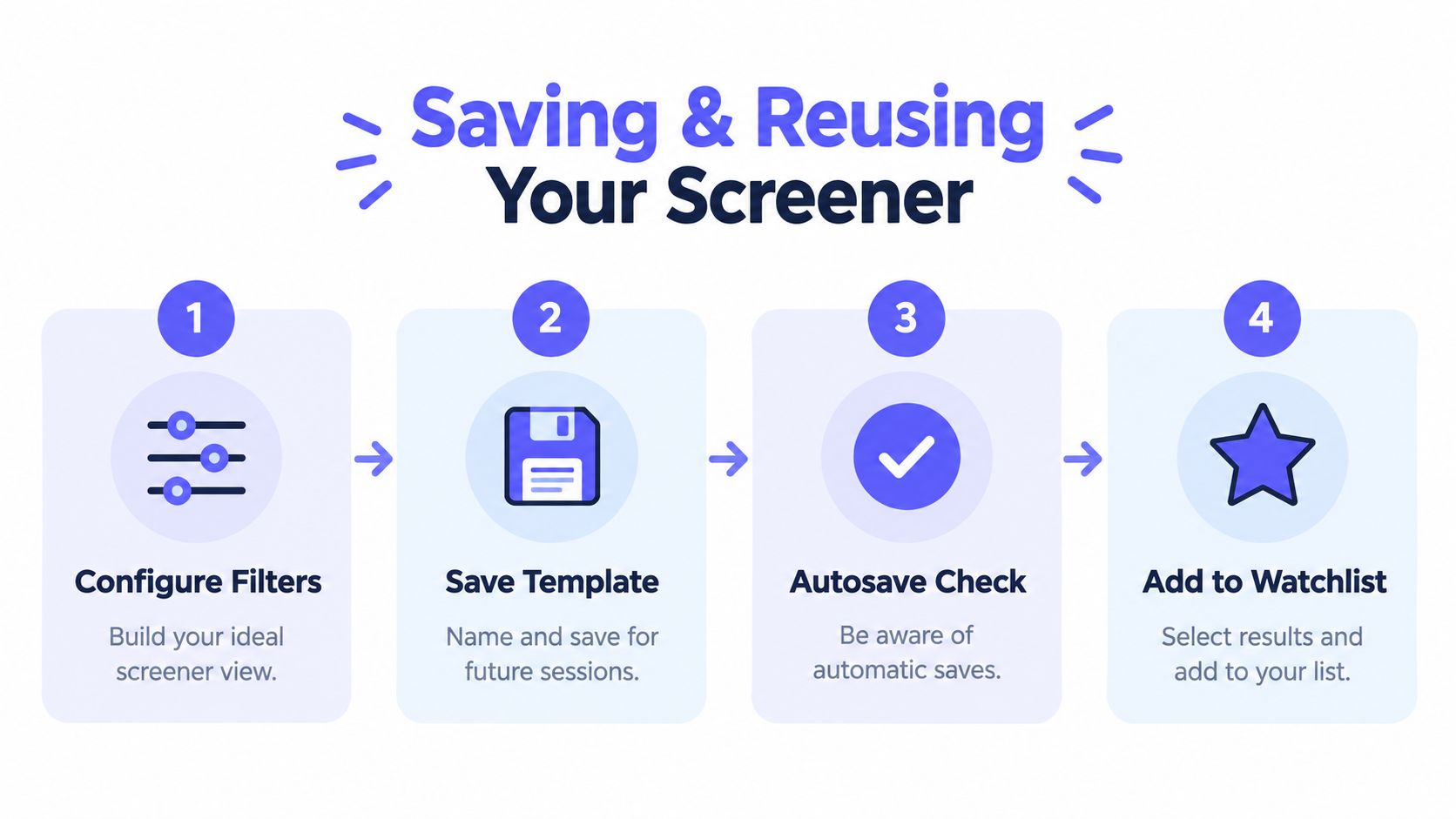
A screener becomes reusable when the configuration survives the end of the session. TradingView supports saving a result view as a custom template, which preserves the selected filters and layout for later review. Templates should have descriptive names tied to purpose and source, rather than vague names such as “crypto screen.”
Autosave changes the maintenance habit. TradingView added autosave and undo/redo capabilities across its screeners, but autosave must be enabled for the saved-screen workflow, as described in its screener autosave and undo guide. A trader testing a new condition should know whether edits are being preserved automatically before changing a trusted template.
Move selected symbols deliberately
TradingView documents a direct Screener-to-Watchlist path. After setting filters, the user can select matching symbols and add them to a watchlist. Flagged symbols can also transfer automatically into a flagged list, which makes the screener useful as a workflow layer for maintaining a curated universe rather than as a one-time search.
Account limits and platform policies can affect how that handoff should be designed, so it is worth checking the current TradingView help center and account details before deciding how to organize review lists. A compact setup may need one focused review list, while a larger setup can separate exchange, strategy, or research universes into distinct lists.
That distinction changes the right cleanup strategy. A compact list should contain only symbols that will receive regular chart attention. A larger list can hold a stable source universe, but it still benefits from segmentation and clear naming.
Normalize symbols before import
TradingView-compatible crypto symbols need venue and pair information, such as EXCHANGE:PAIR. A generic BTC ticker isn't equivalent to a symbol like BINANCE:BTCUSDT, because the latter identifies a specific market source and pair format.
TradingList can fit into this handoff as a workflow and symbol-organization product. Its Standard watchlists organize supported crypto universes by centralized exchange, market cap, supported category, or ecosystem, while Custom crypto watchlists narrow those universes through supported filters. Its ScreenerList builds a symbol list from market filters, DeltaList compares a reference watchlist with exchange or market variants, and FusionList combines several watchlists into one exportable configuration. The resulting files are intended for TradingView-compatible imports, reducing manual exchange-prefix and pair-format cleanup. More detail on this handoff appears in the TradingView screener watchlist workflow.
Streamlining Workflows With Newer Screening Options
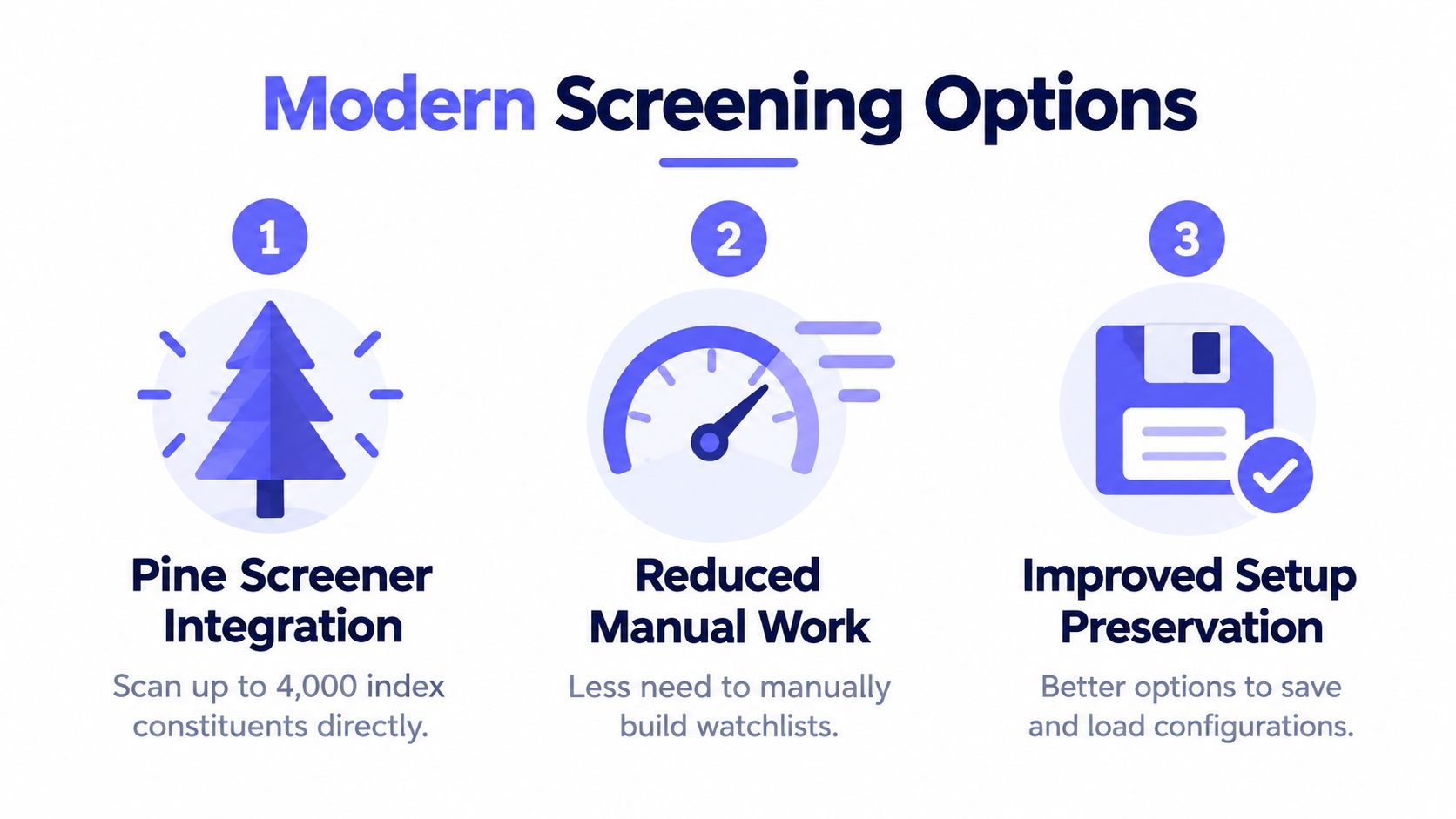
The newer screening options change where setup effort belongs. A traditional workflow begins with a manually assembled watchlist, while Pine Screener can use an index-based source and scan constituents directly. TradingView's release notes state that Pine Screener supports index-based symbol sources, including scans of up to 4,000 constituents, so a user can skip the prerequisite watchlist-building step where Pine Screener supports the relevant source.
Choose source-first or list-first intentionally
An index source makes sense when the research question concerns an established index universe and the source itself is the cleanest definition of scope. A curated watchlist remains more appropriate when the workflow depends on a particular centralized exchange, market-cap tier, supported category, or ecosystem.
That Pine Screener source constraint still applies where relevant. In Pine Screener, only one source can be scanned at a time, and selecting a different source replaces the current selection. That makes source naming and template separation essential. A template should make clear whether it expects an index source, a CEX source, or a manually maintained watchlist.
Preserve configurations before experimenting
Autosave and undo/redo make experimentation safer, but they also make accidental edits easier to preserve. A careful workflow keeps a stable template for production review and uses a separate copy for testing new prompts, columns, or sorting rules.
A useful naming convention includes the source and purpose, such as “CEX momentum review” or “ecosystem trend research.” The name should communicate what the screen expects before the user opens it. When a configuration is shared, the recipient should also receive the intended source and the meaning of each filter, not just a screenshot of the table.
Automation is most useful when it accelerates a defined process. It doesn't decide whether a duplicated symbol, unsuitable pair, or thin market belongs in the research universe. Those judgments still require source selection, normalization, and chart review.
A Repeatable TradingView Screener Setup You Can Reuse
A durable crypto screener routine follows a fixed order:
Define the purpose: Decide whether the screen targets a centralized exchange, market-cap tier, supported category, ecosystem, or technical condition.
Select the source: Choose Crypto Coins, CEX, an index source, or a curated watchlist that matches the purpose.
Apply a purposeful filter set: Start with liquidity and tradability, then add the technical, valuation, sentiment, or market-data fields that answer the specific question.
Review charts: Inspect candidates manually, confirm the venue-specific symbol, and remove duplicates or unsuitable pairs.
Save the template: Preserve the source, filters, columns, and sorting under a clear name.
Transfer the result: Add selected symbols to a TradingView watchlist or export a normalized, TradingView-compatible universe for later import.
The main failure points are predictable. Mixing incompatible rules creates noise, switching sources without preserving the previous configuration can erase the intended universe, and ignoring EXCHANGE:PAIR formatting can leave a list that doesn't behave as expected. Re-checking the universe before each review session helps catch listing, delisting, and naming changes, but every result still deserves a quick validity check.
TradingList belongs at the organization and export stage, not at the signal or advice stage. It helps create, filter, compare, combine, and export supported TradingView-compatible crypto symbol universes, while TradingView remains the environment for charting, screening, alerts, and market review.
TradingList provides maintained TradingView-compatible crypto watchlists organized by supported centralized exchange, market cap, category, and ecosystem, along with custom list-building and export tools. For a cleaner tradingview screener setup, visit TradingList and build a symbol universe before the next screening session.